AI Agents in Healthcare: How They Work & Getting Started
Healthcare practices are always looking for ways to run more efficiently while still providing great care. With legacy workflows, gains in one area often came at the expense of the other. Today, specialized AI technology makes it possible to prioritize both.
According to CAQH, the healthcare industry could save $21 billion by fully automating administrative transactions that staff still complete in part or entirely manually. In your practice, that might look like sorting referral faxes, working through a queue of prior authorizations, or posting payments line by line.
AI agents are designed to take on this kind of work. They can read documents, decide on next steps, and complete tasks across the systems your team already uses—while ensuring oversight and final approval stay with your staff.
In this guide, we’ll explain how AI agents work, where they fit in your practice’s back office, and how to introduce them without disrupting your team. We’ll cover:
- AI agents in healthcare: FAQs
- AI agents vs. RPA: The hands and the brain
- Healthcare use cases for AI agents
- How to get started with AI agents in healthcare
- Best practices for using AI agents
- Promptly’s approach to AI agents in healthcare

AI agents in healthcare: FAQs
What are AI agents in healthcare?
Healthcare AI agents are software tools that complete multi-step administrative tasks by understanding context, deciding what to do next, and taking action autonomously. In most medical practices, AI agents work behind the scenes, preparing work for staff to review and approve before it’s finalized.
It’s also worth noting what AI agents don’t do. The AI agents discussed in this guide support administrative workflows only. They don’t diagnose patients or make clinical decisions—those responsibilities stay with your providers.
How do AI agents work?
AI agents work by reading information, deciding what needs to happen next, and then completing or drafting that step, pausing for staff review whenever they’re uncertain. For example, when a referral fax arrives, an AI agent can identify the patient and referring provider, pull out the relevant details, and pre-fill the patient record for a physician to confirm.
Many AI agents work directly inside the systems your team already uses. Instead of requiring a custom integration, they log in with their own permission-restricted credentials and move through websites and software the same way a staff member would.
Practices can also set a confidence threshold for each AI agent. That way, if the AI agent isn’t sure about a task, it stops and sends that task to a staff member for review, mitigating costly errors.
How are AI agents different from other forms of AI?
AI agents differ from other forms of AI in that they complete tasks autonomously, whereas most AI tools only answer questions or make predictions based on existing data. Here’s how AI agents compare to other types of AI your practice may already use:
- Generative AI and chatbots (e.g., ChatGPT, Gemini, Claude) answer questions and draft text when you prompt them, but they don’t carry out the next steps on their own.
- Predictive AI flags risks or forecasts outcomes, such as which patients are likely to miss an appointment, and then leaves the follow-up to your staff.
- AI agents take action across systems to advance a task, then hand the finished work to staff for review.
While healthcare automation and AI are often used interchangeably, they have different roles. We’ll discuss how automation fits into this picture next.
If you’re still curious about common healthcare tasks that different types of AI cover, check out this interactive guide:
What is the difference between AI agents and agentic AI?
When learning about AI agents, you may also come across the term agentic AI. It refers to the broader category of AI built to act toward a goal without relying on consistently-provided prompts. AI agents are the specific tools that put agentic AI to work in your day-to-day operations.What are the benefits of AI agents in healthcare?
AI agents are important because they provide practices with greater administrative capacity without adding headcount. Key benefits of AI agents include:
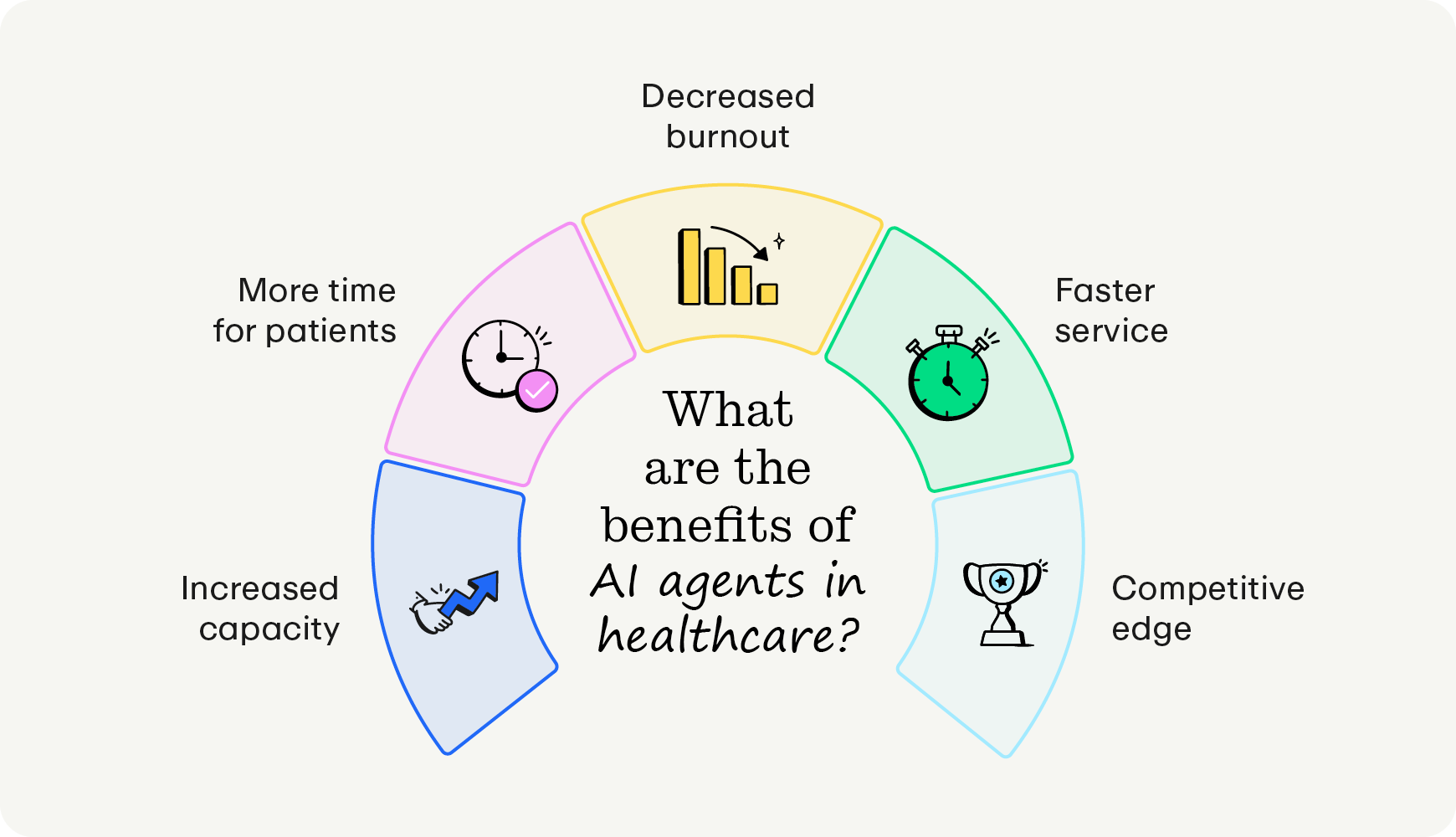
- Increased capacity without new hires: AI agents absorb growing administrative workloads with minimal input required, so your practice doesn’t have to add staff for every new task.
- More time for patients: Staff can spend less time on data entry and fax processing and more time helping patients, increasing your capacity to grow your patient base.
- Decreased burnout: Taking repetitive work off your team’s plate helps reduce burnout and supports staff retention.
- Faster service for patients: Referrals, authorizations, and communication move faster when staff aren’t buried in manual tasks.
- Competitive edge: According to the American Medical Association, 72% of U.S. physicians used at least one AI tool in their practice in 2026, up from 48% in 2024. To stay competitive, your practice needs to follow tech trends and adopt the right tools.
AI agents vs. RPA: The hands and the brain
If your practice has automated tasks before, you likely used robotic process automation (RPA). RPA acts like a pair of hands—it follows fixed rules and repeats the same clicks in the same order. AI agents act more like a brain, since they understand what they’re looking at and decide what to do next.
The two also differ in how they handle unstructured information, like handwritten notes and scanned faxes. RPA can only process information that appears in a predictable format. AI agents can interpret messy, unstructured documents—Promptly’s AI agents, for example, use a Google Gemini integration to read patient details from handwritten notes on faxed referrals.
Though AI agents can complete more complex tasks and provide more value with less effort for practices, RPA still has its place in handling simple, rarely changing tasks. For instance, it’s still frequently used for eligibility and benefits verification.
Healthcare use cases for AI agents
AI agents work best on high-volume, predictable back-office tasks that involve pulling information from documents or websites. Here are five common ways medical practices use them:
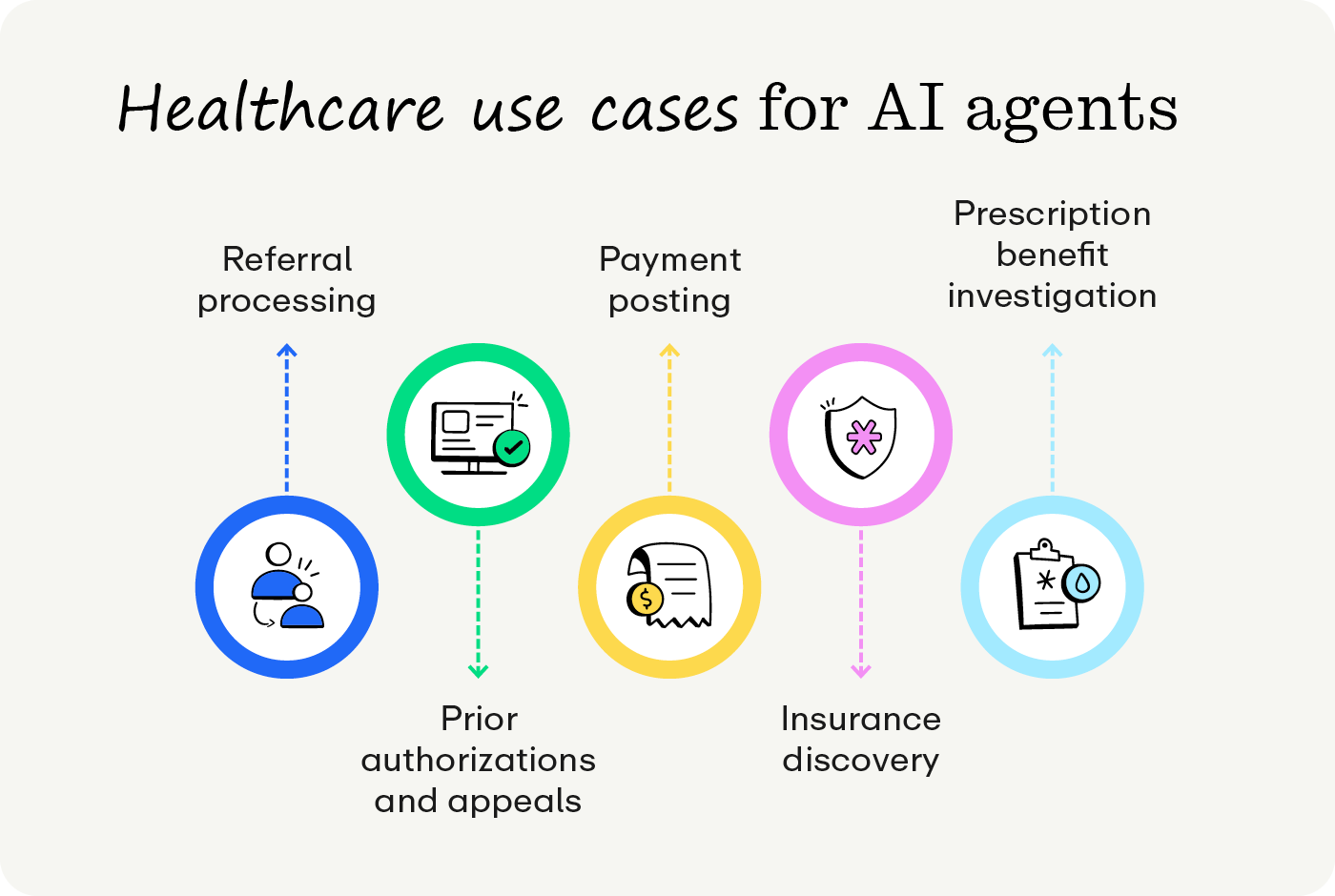
Referral processing
Referral coordinators often spend hours each day reading faxes, separating multi-page documents, and entering patient information into their organization’s practice management (PM) system. With an AI agent handling intake, each inbound fax—even a handwritten or low-quality one—is read automatically, and the patient’s details are pre-filled into the referral for a coordinator to confirm. For instance, Promptly’s AI Fax tool reads and categorizes information from referral faxes, cutting manual referral processing from 4–5 hours a day to under 45 minutes.
Prior authorizations and appeals
Prior authorizations require staff to gather clinical and insurance details, complete payer-specific forms, and follow up on each request. Instead of starting every form from scratch, AI agents send staff a draft request with the required details already filled in, ready for review, adjustment, and submission. Denials follow a similar path—AI agents pull the original submission and the payer’s response together into a draft appeal letter.
Payment posting
Posting payments from paper explanations of benefits (EOBs) and electronic remittance advice (ERA) files is detailed, repetitive work, and a single keying error can throw off a patient’s balance. AI agents take over these processes by digitizing paper EOBs, linking each payment to the correct patient account, and posting them for your billing team to verify. Billers can then spend their time on denials and patient questions.
Insurance discovery
When a patient’s coverage is unclear, staff may need to search several payer websites to find active insurance. Rather than having someone log in to each site, an AI agent can run insurance eligibility checks before the appointment and report on any active coverage. Your front desk can then confirm coverage in advance rather than sorting it out at check-in.
Prescription benefit investigation
For practices that prescribe specialty medications, confirming a patient’s prescription coverage can take multiple calls and website lookups. Here, the AI agent’s job is research—it checks the patient’s drug benefits and summarizes coverage details and restrictions. Staff review that summary, prepare the patient for any out-of-pocket costs, and start a prior authorization early if one is needed.
How to get started with AI agents in healthcare
AI agents are very powerful—as long as you set them up for success from the start. Here’s how to choose a healthcare AI agent solution:
- Choose one workflow. One pressing issue at a time keeps the rollout manageable for your team. Referral intake, prior authorizations, and payment posting are strong starting points because they’re high-volume and follow clear rules.
- Define who reviews what. Your written plan should spell out what the AI agent will do for each workflow, which staff member will review it, and which tasks should always be handed off to a staff member.
- Set your confidence threshold. Most practices set a threshold between 80% and 90%. Start on the conservative end and adjust as your team gains confidence in the AI agent’s work.
- Ask vendors about security. As you start to demo different products, only give the AI agent access to the systems its task strictly requires. Then, ask each vendor how it protects patient health information (PHI), meets HIPAA requirements, and logs the AI agent’s activity.
- Involve your team early. The staff members who currently handle the task are the best people to help define the rules. They know the exceptions best, and their input helps address any concerns about job security.
- Measure the results. Metrics such as hours saved, turnaround times, and the frequency with which tasks are flagged for review indicate whether the AI pilot is working. Use those numbers to decide which workflow to automate next.
Before your pilot begins, record how long the task takes using your current workflows and how many items typically sit in the queue each morning. Having that baseline makes it much easier to show the AI agent’s impact to providers and leadership.
Best practices for using AI agents
Once an AI agent becomes part of your team’s daily routine, how you manage it determines how much value it delivers over time. To keep your AI agents accurate, secure, and helpful for staff, be sure to:
- Spot-check completed work regularly. Even tasks that pass the confidence threshold deserve a periodic review. A weekly sample of finished referrals or posted payments helps your team catch patterns early, before small errors turn into denied claims.
- Revisit your thresholds as trust grows. The 80%–90% range that made sense during the pilot may not fit every workflow six months later. Adjusting thresholds based on actual error rates allows AI agents to take on more work without sacrificing oversight.
- Review access whenever roles change. Each AI agent’s permissions should match only what its tasks require. When you add a new workflow, change systems, or update staff roles, confirm that the AI agent’s login still has the right level of access.
- Keep a running log of exceptions. Ensure that staff flag tasks where they notice that the AI agent struggles. Sharing these patterns with your vendor helps improve the AI agent’s accuracy.
- Watch for payer and policy updates. AI agents adapt to layout changes, but new payer rules or prior authorization requirements still call for human attention. Assign someone on your team to track these updates and adjust the AI agent’s instructions when needed.
- Keep patient-facing moments human. AI agents should support your staff behind the scenes, not stand in for them in sensitive conversations. Humans are best equipped to handle billing disputes, care questions, and constructive feedback from patients.
Promptly’s approach to AI agents in healthcare
Worried that AI agents will make your practice feel less personal? Promptly designs its AI agents around a simple belief: automation should humanize healthcare. Rather than cutting headcount, Promptly’s AI agents take on the back-office work that keeps your team from patients. These principles guide how Promptly approaches AI agents:
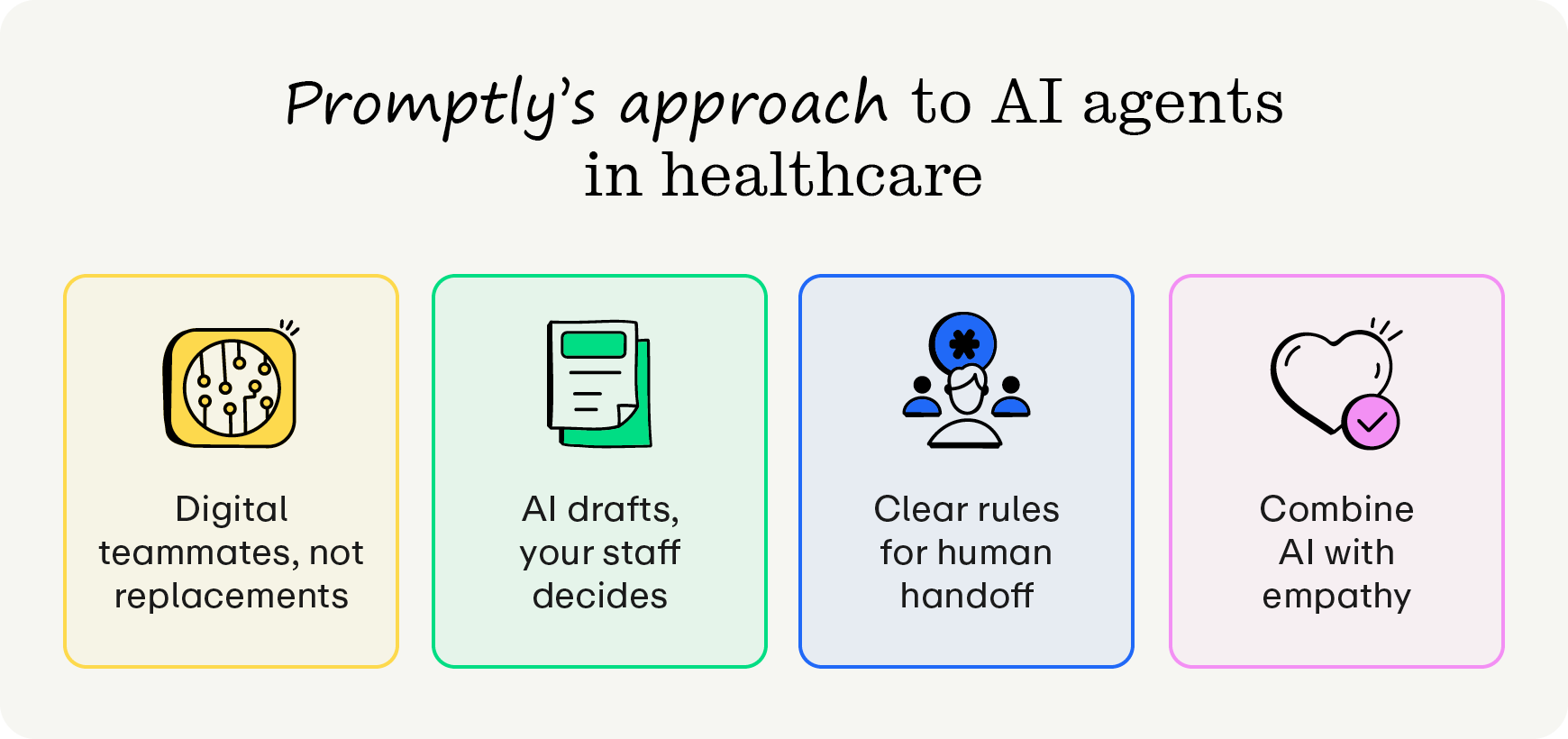
- Digital teammates, not replacements. Promptly’s AI agents handle the busywork staff dread, like sorting faxes, drafting prior authorizations, and keying in paper EOBs. Your team gets hours back for patient conversations, which helps reduce burnout and keep experienced staff on board.
- AI drafts, your staff decides. Every AI agent works as a drafter, preparing authorization requests, appeal letters, and pre-filled referral charts. A staff member acts as the editor, reviewing each item and giving final sign-off before anything leaves your practice.
- Clear rules for human handoff. Your practice sets a confidence threshold for each AI agent. When one of our AI agents falls below that threshold, spots a potential clinical emergency, or gets an unusual payer response, it pauses the task and flags a team member.
- Speed from AI, empathy from people. AI agents work around the clock and handle routine tasks at a scale no front desk could match. That frees your staff for the moments that matter most, like talking a nervous patient through an upcoming procedure.
Promptly’s AI agents
Promptly brings AI agents into the administrative workflows your team already manages, with staff review built into every step. Our AI tools include:
- AI Fax reads inbound referral faxes, extracts patient data, and pre-fills referrals for staff review.
- Prior Authorization Specialist gathers the required details and drafts authorization requests.
- EOB & ERA Payment Posting Assistant digitizes EOBs and posts payments to the right accounts.
- Insurance Discovery Agent searches for active coverage before appointments.
- Drug Benefit Investigation Detective researches patients’ drug benefits and summarizes coverage details.
- Paige AI Voice automatically routes calls 24/7 and flags high-priority inquiries for clinicians to tackle.
Together, these tools help the average Promptly practice reclaim 1,728 staff hours a year.

With the right AI agent and clear review rules in place, your practice doesn’t have to choose between efficiency and personal care. AI agents keep the faxes, forms, and payments moving, while your staff gets more time for the patient conversations that drew them to healthcare in the first place.
Looking for more ways to improve your tech? Explore these additional resources:
- The Digital Front Door: What It Is & Why It Matters. A digital front door unifies scheduling, intake, and payments into a seamless platform. Learn how to modernize the patient experience and reduce staff burnout.
- The Definitive Patient Engagement Software Buyer’s Guide. There are many patient engagement software solutions on the market. Use this guide to find your ideal solution and streamline your practice’s operations.
- 15 Digital Patient Engagement Tools to Enhance Your Tech. Healthcare practice managers need to use cutting-edge digital patient engagement tools to secure loyal patients. Learn more in this healthcare tech guide.
Our AI tools humanize healthcare.
Try it for yourself today.
Related Posts
About the author
Dr. Anish Kapur is a physician and tech entrepreneur advancing healthcare through innovation. He co-founded one of the first cloud-based EMR systems for specialists and now leads Promptly Technology Inc., whose Patient Experience Suite™️ helps specialty practices streamline workflows, boost patient engagement, and accelerate revenue—all in one modern platform.

Share this article:

We automate the tedious stuff so people can do the people stuff