
Patient Payment Software: A Guide for Specialty Practices
Traditional patient billing workflows are slow for everyone involved. Your team waits weeks for claims to process before mailing a statement, then spends afternoons on follow-up calls. Meanwhile, patients dig through their mail or try to remember a portal password to pay a bill they’ve half-forgotten. And patients now owe a bigger share of their care costs than ever, with workers in 2026 paying over $7,400 on average for family health deductibles (up 9% from 2025) at a time when they’re used to paying for everything else with a tap on their phone.
Patient payment software aligns your practice's collection process with how patients already pay. This guide explains what patient payment software is, how it differs from medical billing software, which features matter most, and how to choose the right one. Here’s what we’ll cover:
- What is patient payment software?
- Patient payment software vs. medical billing software
- Why patient payment software is essential
- Essential features of patient payment software
- How to choose the right patient payment software
- The best patient payment software: Promptly
- FAQs about patient payment software

What patient payment software does
Patient payment software is a platform designed for medical practices to estimate, request, and collect what patients owe, including co-pays, deductibles, coinsurance, and self-pay fees. Healthcare organizations use it before, during, and after visits to ensure accuracy and efficiency while tracking payments.
Typically, it handles three jobs:
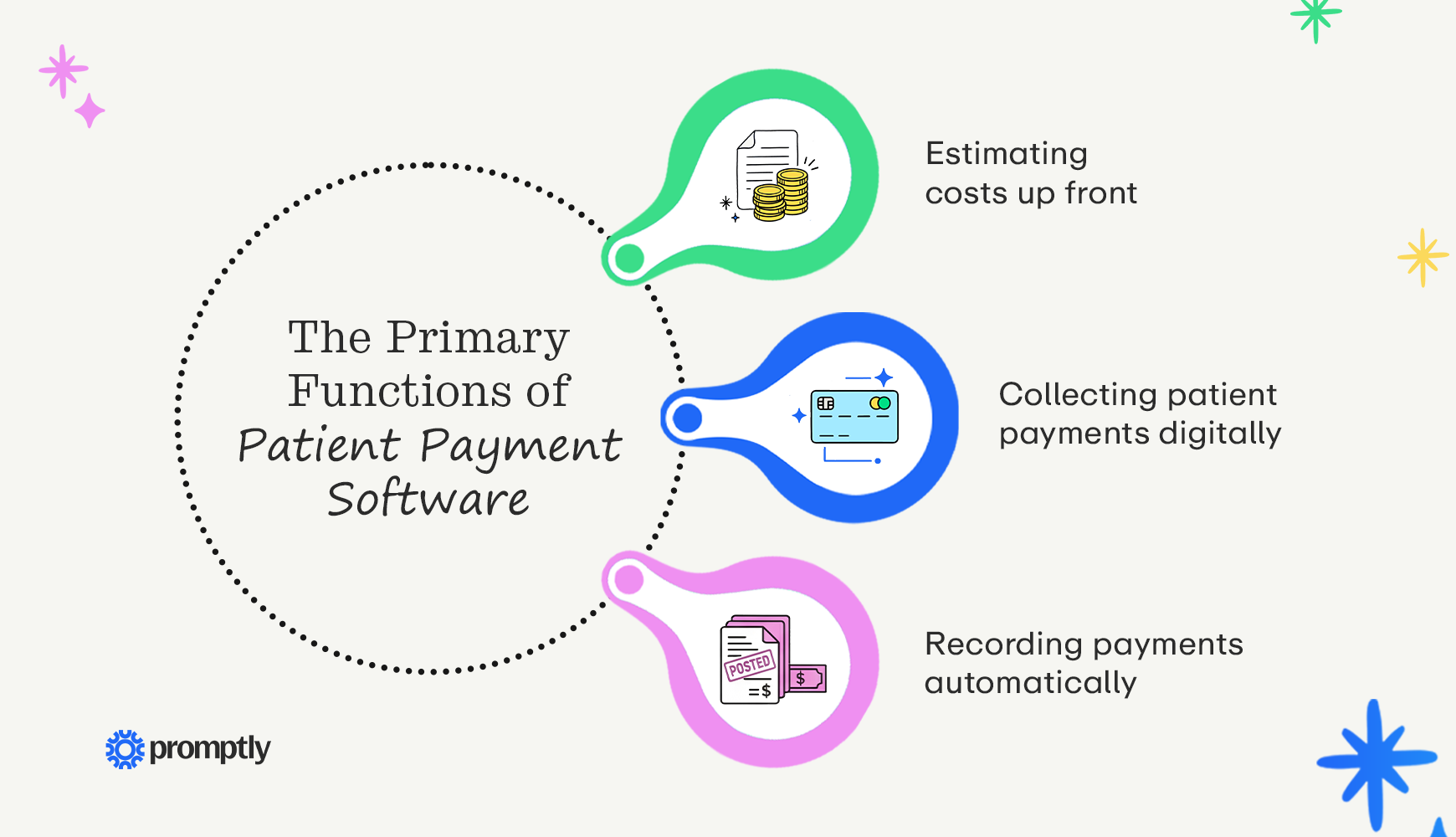
- Estimating costs up front: Before the visit, the software checks the patient’s insurance coverage and shows them what they’ll likely owe, so nobody gets surprised when the bill comes.
- Collecting patient payments digitally: Patients pay via text or email link, at a physical check-in kiosk, or at the front desk, using a card or a mobile wallet such as Apple Pay or Google Pay.
- Recording payments automatically: Completed payments post back to your practice management (PM) system, so staff don’t have to retype them.
Medical practices sometimes conflate patient payment software with other solutions, such as payment processors and card terminals. If you’re not sure whether you already have patient payment software, consider your current system’s features. A basic card processor only moves money; patient payment software also knows who owes what by pulling balances from your PM system, reaches out to patients via text or email, and records each payment without anyone having to retype it.
Patient payment software vs. medical billing software
The primary distinction between patient payment software and medical billing software is who is making the payments. Medical billing software gets your practice paid by insurance companies, while patient payment software collects the portion that patients owe after insurance. Most practices need both, but they solve different problems for different people.
Here are a few ways these two types of software differ:
- Who pays
- Medical billing software: Insurance companies
- Patient payment software: Patients
- What it collects
- Medical billing software: Insurance reimbursement for coded services
- Patient payment software: Patient balances: co-pays, deductibles, and co-insurance
- When it happens
- Medical billing software: After the visit: practices submit the claim and receive the insurer’s decision on what it pays and what the patient owes
- Patient payment software: Before, during, and after the visit: practices determine cost estimates, collect co-pays at check-in, and bill the remaining balance once the claim is processed
- Who uses it
- Medical billing software: Billing and revenue cycle teams
- Patient payment software: Front-desk staff and patients
These two types of solutions work best when they share data via integrations. As soon as the billing software receives the insurer’s decision, the patient payment software should retrieve the patient’s balance and automatically send a payment link. If someone on your team has to export a report or re-enter amounts to bridge that gap, that’s usually where balances get stuck.
Why patient payment software is essential
Over 75% of consumers want to pay medical bills online, making digital experience more important than ever. Additionally, patients owe more than they used to, with the average deductible for single coverage up 43% over the last 10 years to $1,886. This means that a bigger share of your revenue now depends on collecting from patients, not insurers.
Traditional billing makes those patient balances harder to collect, for both your patients and your team, in a few ways:
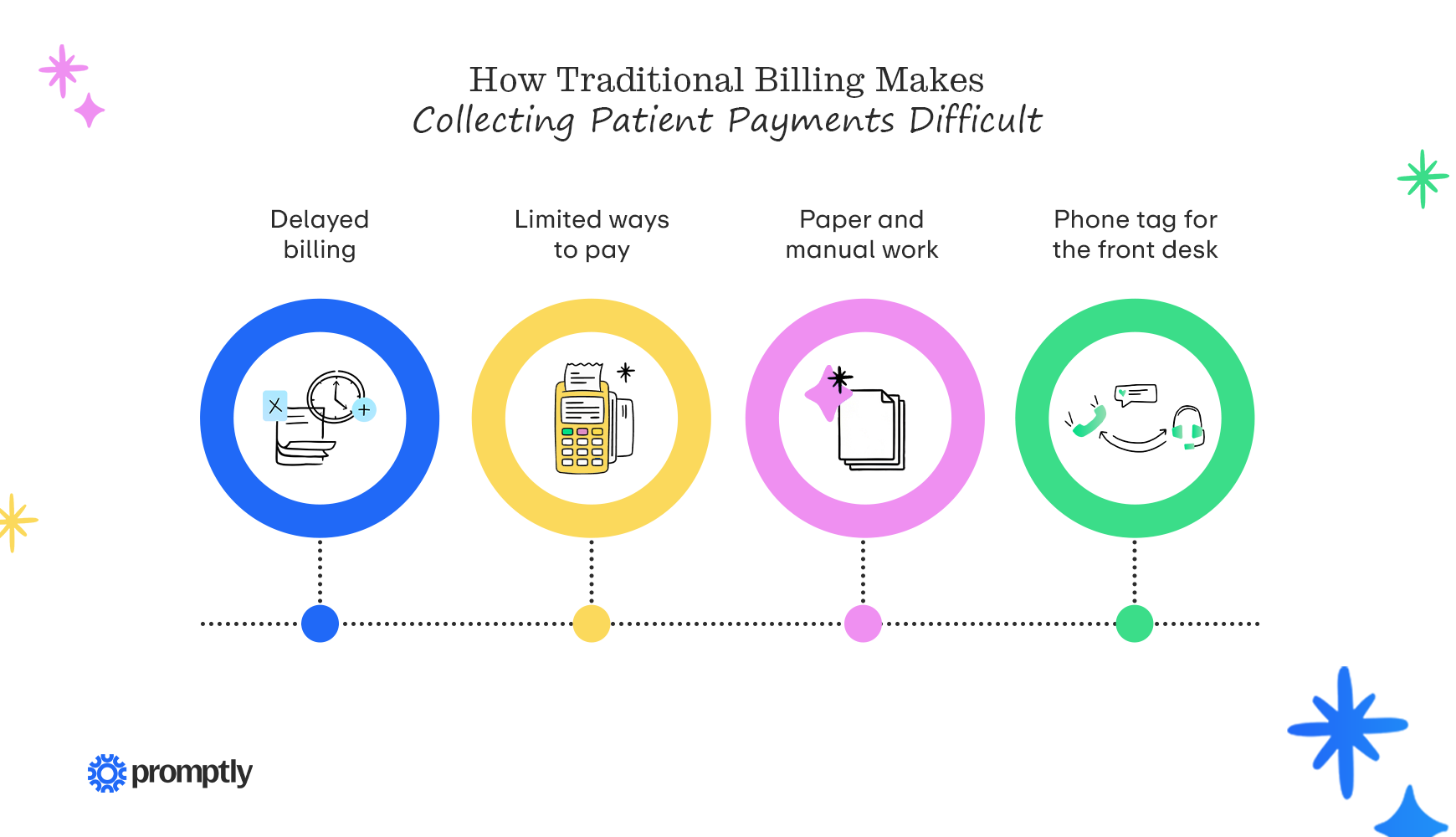
- Delayed billing: Practices wait for the claim to be processed before mailing a statement, so patients often receive a bill long after the appointment is out of mind. By then, a statement can easily get lost in a pile of mail, and the longer a balance sits, the harder it is to collect.
- Limited ways to pay: Mailing a check or calling during business hours doesn’t work for a working patient who sits down to pay their bills online after their kids are in bed, and that frustration can show up in your satisfaction surveys or even manifest as late or delinquent payments.
- Paper and manual work: 71% of healthcare providers still collect from patients most often through paper and manual processes. Printing, mailing, and hand-posting payments is work that automation and AI can take off your team’s plate, freeing up more time for patient care.
- Phone tag for the front desk: Unpaid statements can turn into a string of follow-up calls, pulling staff away from the patients standing in your lobby.
Patient payment software addresses each of these problems. It sends a payment request via text as soon as a balance is ready, rather than weeks later in the mail. Patients pay with a card or mobile wallet in a few taps, from their phone at any hour. Internally, payments post to your PM system automatically, so your team spends less time printing, posting, and making follow-up calls. And because patients can see and pay what they owe right away, more of that growing patient share of your revenue actually reaches your practice.
Essential features of patient payment software
Your patient payment software should solve the problems listed above: getting bills to patients sooner, giving them easier ways to pay, or taking manual work off your team’s plate. That’s a useful filter when a vendor walks you through a long list of features. Here’s what to look for:
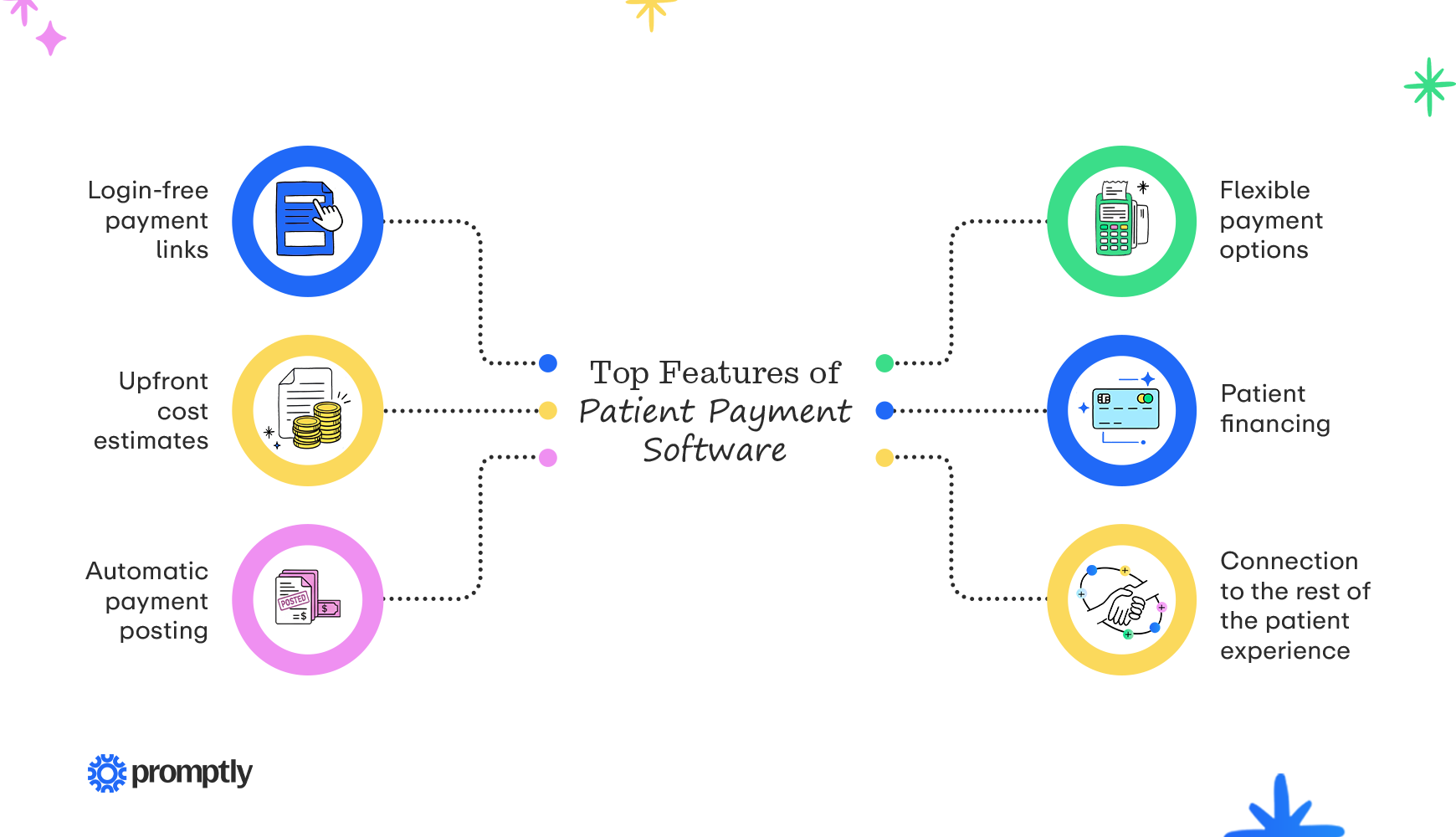
- Login-free payment links: Secure links sent by text and email let patients pay with a card, Apple Pay, or Google Pay. No account, no password, no app download.
- Upfront cost estimates: Real-time insurance eligibility verification pulls coverage details so the software can estimate co-pays, remaining deductibles, and procedure costs before the visit. Patients want this: 82% say an accurate estimate helps them better prepare to pay for their care.
- Automatic payment posting: Payments post back to your PM software, matched to the right patient and visit, without anyone entering it by hand. Balances stay accurate, so patients don’t get reminders for bills they’ve already paid, and your team doesn’t spend the end of the day reconciling card receipts against the ledger.
- Flexible payment options: Patients can pay with an HSA or FSA card, a bank account, or a saved card that’s charged once insurance processes the claim. Payment plans split larger balances into smaller monthly payments.
- Patient financing: Built-in options like CareCredit pre-screening help patients plan for larger out-of-pocket costs before they commit to a procedure.
- Connection to the rest of the patient experience: When payments share a platform with intake, scheduling, and your healthcare CRM, your staff juggles fewer logins and your practice manages fewer vendors.
Not every feature is equally useful for every practice. If you perform a lot of elective or surgical procedures, like cataract or sinus surgery, upfront estimates and financing will likely make the biggest difference, since those balances are large. If most of your visits come with small co-pays, payment links and automatic posting will save the most time, because your challenge is volume, not balance size.
How to choose the right patient payment software
Selecting the right patient payment software for your practice depends on where your collections break down today. Start by assessing your challenges and what needs fixing before you look at any vendor. Pull four figures from your PM system and billing reports: how long patient balances typically sit unpaid, how much of what patients owe you collect at the time of service, and how much staff time and money go into printing statements, posting payments, and making follow-up calls.
Each number points to a different priority. If balances sit unpaid for weeks, look for text payment links and automatic reminders. If you are having trouble collecting at the time of service, upfront estimates and card-on-file will help most.
Once you know what you need, use these tips to compare vendors:
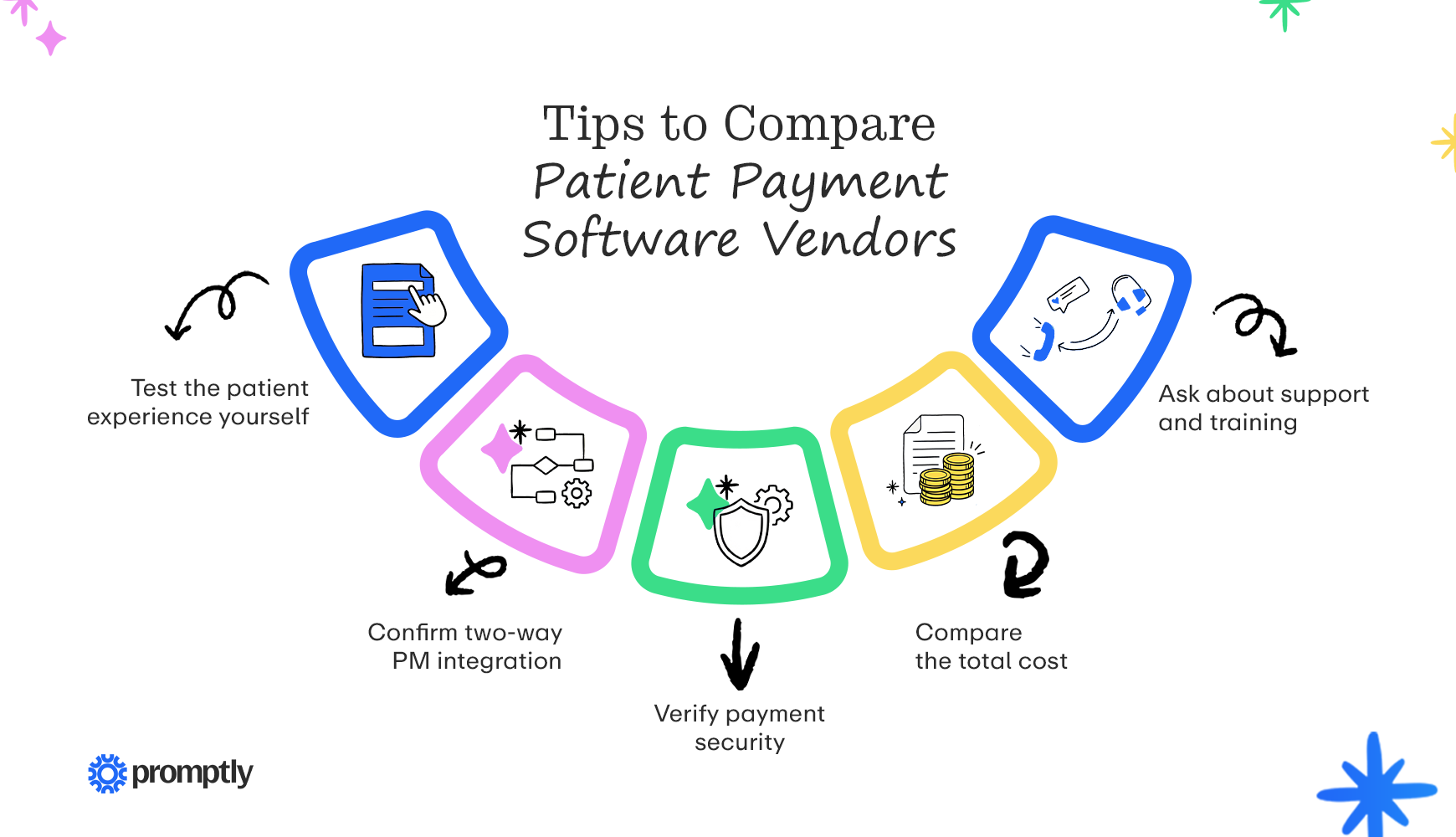
- Test the patient experience yourself: Have each vendor send you a sample payment link, then explore the payment flow to ensure it’s intuitive and easy for patients.
- Confirm two-way PM integration: Ask whether balances pull automatically from your PM system and whether payments post back without staff entering them. Then request a trial connected to your own system.
- Verify payment security: Confirm the vendor is PCI DSS compliant, which is the security standard for handling card data, and that it will sign a business associate agreement (BAA) to keep patient data secure and compliant with HIPAA.
- Compare the total cost: Assess processing rates, per-transaction fees, and setup costs, plus any add-on features you might be required to pay for, such as texting, intake, and statement mailing.
- Ask about support and training: Find out how the vendor gets your team up and running, from configuring billing reminders to training front-desk staff, and whether help is available during your clinic hours.
Once you’ve narrowed your search down to two or three vendors, bring the people who’ll use the system into the final demos and give everyone a job. For instance, you might have a front-desk staff member collect a co-pay at check-in and send a balance by text, since they know what patients ask about at checkout. You also ask your billing lead to watch how a payment posts to your PM system and how the platform handles refunds and disputed charges, which come up more often than most demos show. Afterward, you compare notes on how the different solutions handled these workflows. The option your team finds easiest is the one they’ll stick with.
The best patient payment software: Promptly
With Promptly, patients don’t have to think twice about payments. They get a text or email link to pay in seconds, your team shares cost estimates before the visit, and every payment syncs with your PM system. It all runs on the same platform as scheduling, intake, and reminders.
Our patient payment software includes:
- Text-to-pay links: Patients pay by card, Apple Pay, or Google Pay through a secure text link or a no-login online payment portal. Each balance text brings in $6.84 on average.
- Automatic PM sync: Promptly pulls outstanding balances from your PM system, sends billing reminders, and posts each payment back to the patient’s ledger, so balances stay current without extra work from your team.
- Estimates before the visit: Real-time eligibility checks from Promptly’s insurance verification tools feed patient cost estimates, so you can collect deposits before care. Practices using Promptly anticipate an 85% increase in pre-surgery collections.
- Flexible payment options: Card-on-file, payment plans, multi-entity collections, in-office terminals and Kiosk Pro, surcharge options, and CareCredit pre-screening all live in the scheduling dashboard.
All of this runs on PCI- and HIPAA-compliant infrastructure, so card data and patient health information get the same level of protection. That matters more than it might seem. When payments live in the same platform as scheduling and intake, you have one vendor to vet for security instead of several, and patient data isn’t passed back and forth between disconnected systems.
FAQs about patient payment software
Is patient payment software HIPAA compliant?
It can be, when it’s set up correctly. A payment text should contain only a link, never card numbers, balance details, or clinical information. The link opens a secure, encrypted page where patients verify their identity, such as with a date of birth, before seeing what they owe.
Your vendor should also sign a BAA, the contract HIPAA requires whenever a vendor handles patient information on your behalf. Payment software stores names, contact details, and balances tied to specific visits, so without a signed BAA, sharing that information puts your practice out of compliance and leaves nothing to hold the vendor to HIPAA’s safeguards.
Will patients think a payment text is a scam?
Some patients might, since scam texts have made a lot of people cautious about tapping links. A few habits help: send texts under your practice’s name with a phone number patients recognize, and let them know at booking or check-in that payment links will come by text. It also helps to tell patients your office will never ask them to reply with card details, so they know what a real payment text looks like.
Can patients set up payment plans or financing through patient payment software?
Yes. Most platforms can set up installments that charge a card on file automatically, and some connect to third-party financing, like CareCredit. Before you offer plans, set a few ground rules: a minimum monthly payment, a maximum plan length, and the patient’s consent to automatic charges. It’s also smart to have a separate financial assistance process for patients facing real hardship, so a payment plan isn’t the default answer for every balance.
Can patient payment software help reduce no-shows?
Indirectly, yes. A card on file or a deposit at booking gives patients a reason to keep their appointment or cancel in advance. If you charge cancellation fees, put the policy in writing and have patients agree to it before they book.
Check your insurer contracts and state rules before implementing a cancellation policy. For instance, Medicaid generally doesn’t allow missed-appointment fees, and Medicare allows them only when you charge every patient the same way.
Patient payment software pays off most when paying a bill feels like part of the patient experience instead of a chore that starts weeks after the visit. You don’t have to change everything at once. Start with one balance type, such as post-visit co-pays, and send those by text for a month. Compare how quickly they come in against a month of mailed statements, and you’ll have real numbers to bring to your next budget conversation.
Planning the rest of your front-office upgrades? These guides pick up where this one leaves off:
- Patient Intake: Best Practices to Prevent Painful Paperwork. Intake is the natural moment to collect a card on file and share a cost estimate, long before a statement ever goes out. Learn how to build a digital intake process patients actually finish before they arrive.
- The Digital Front Door: What It Is & Why It Matters. Payments work best as one step in a connected patient experience, from booking to the final bill. Find out what goes into a digital front door strategy and how to roll one out in manageable phases.
- An Ultimate Guide to Automation in Healthcare: 15 Use Cases. Text-to-pay is only one of the front-office tasks you can hand off to software. See how practices automate everything from insurance checks to payment reconciliation.
Ready to make patient payments easier?
Talk with our team about where your collections slow down today, and we’ll show you how Promptly can help.
Related Posts
About the author

Share this article:

We automate the tedious stuff so people can do the people stuff